Brand your broker team.
Your agency's name and logo on the app your agents and clients open every day.
Brand your team. Automate the rest.
- 01
Your brand, front and center.
The app carries your logo and colors so clients see a professional, branded experience every time they open it.
- 02
Real-time notifications.
Get notified the moment a lead replies, an appointment is booked, or a follow-up needs your attention — so nothing sits unattended.
- 03
Download and go.
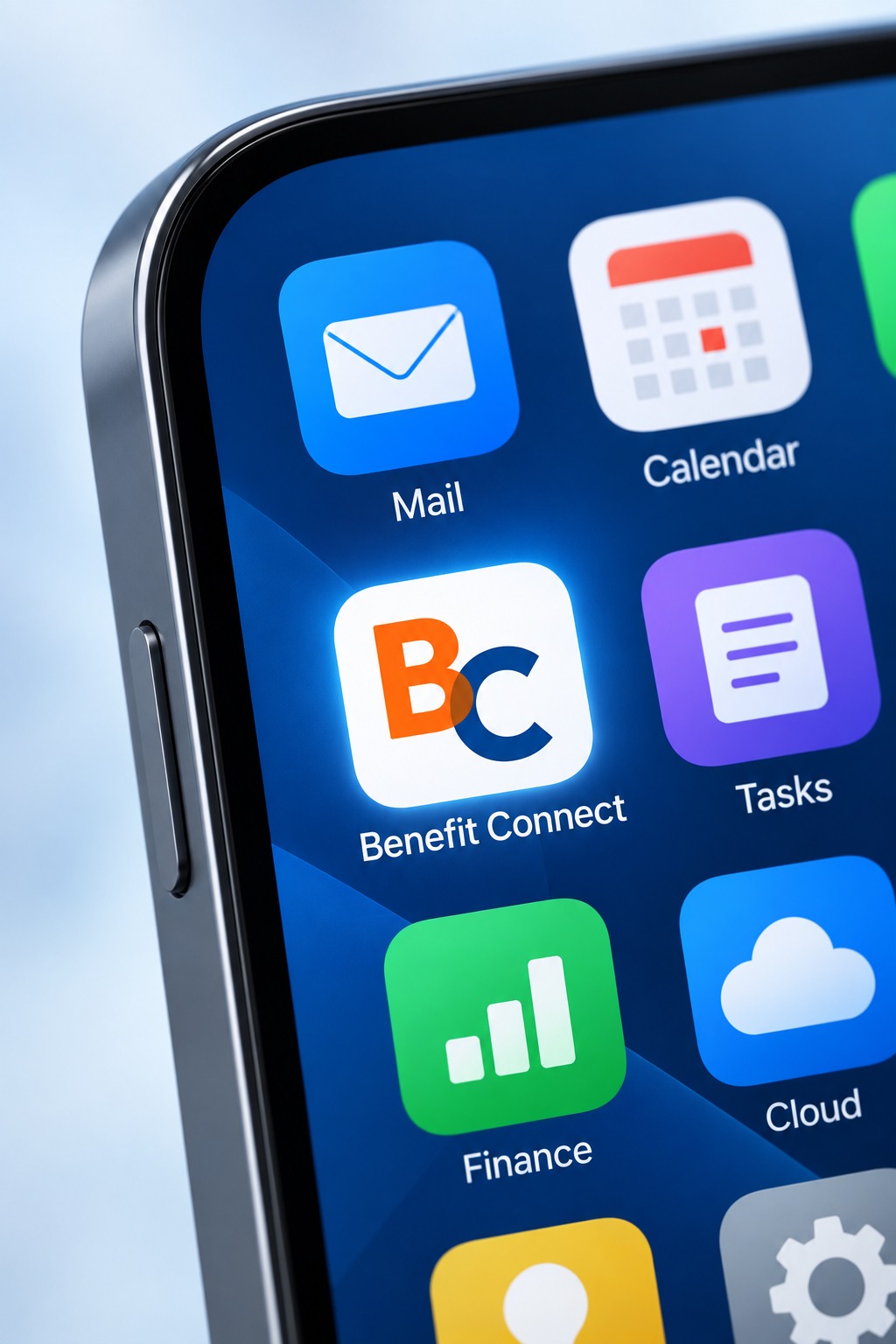
Add the branded app to your home screen or download it directly. Your workspace is one tap away, just like the other tools you use every day.
- 04
Works beside the AI tools you already use.
Benefit Connect sits next to ChatGPT, Claude, Gemini and the rest of your stack, so your leads, calls and calendar stay connected to the tools your team already reaches for.
On your phone in minutes.
No complicated install. Three quick steps and your branded app is ready to work.
- Step 1
Download or add to your home screen
Open Benefit Connect on your phone and add it to your home screen, or download it directly. No app-store hunt required — it sits beside the tools you already use.
- Step 2
Sign in once, stay connected
Your workspace opens straight into your leads, conversations, and calendar — the same information you see on desktop, in your pocket.
- Step 3
Turn on notifications
Allow notifications and you'll know the moment a lead replies, an appointment is booked, or a follow-up needs your attention.
Have questions about the branded app? Book a Call and we'll walk you through it.
Spend more time on the conversations that count.
Bring your leads, follow-up, and appointments together with Benefit Connect.